You haven't signed in yet, you can have a better experience after signing in
*Please complete the payment within {{receiveCouponInfo.expire_at}}Previous use*
You haven't signed in yet, you can have a better experience after signing in



Activity Rules
1、Activity time:{{ info.groupon.start_at }} ~ {{ info.groupon.end_at }}。
1、Activity time:cease when sold out。
2、Validity period of the Group Buying:{{ info.groupon.expire_days * 24 }} hours。
3、Number of Group Buying:{{ info.groupon.need_count }}x。
Please Pay Attention
1、Teamwork process: Join/initiate a Group Buying and make a successful payment - Within the validity period, the number of team members meets the activity requirements - Group Buying succeeded!
2、If the number of participants cannot be met within the valid period, the group will fail, and the paid amount will be refunded in the original way.
3、The number of people required and the time of the event may vary among different products. Please pay attention to the rules of the event.

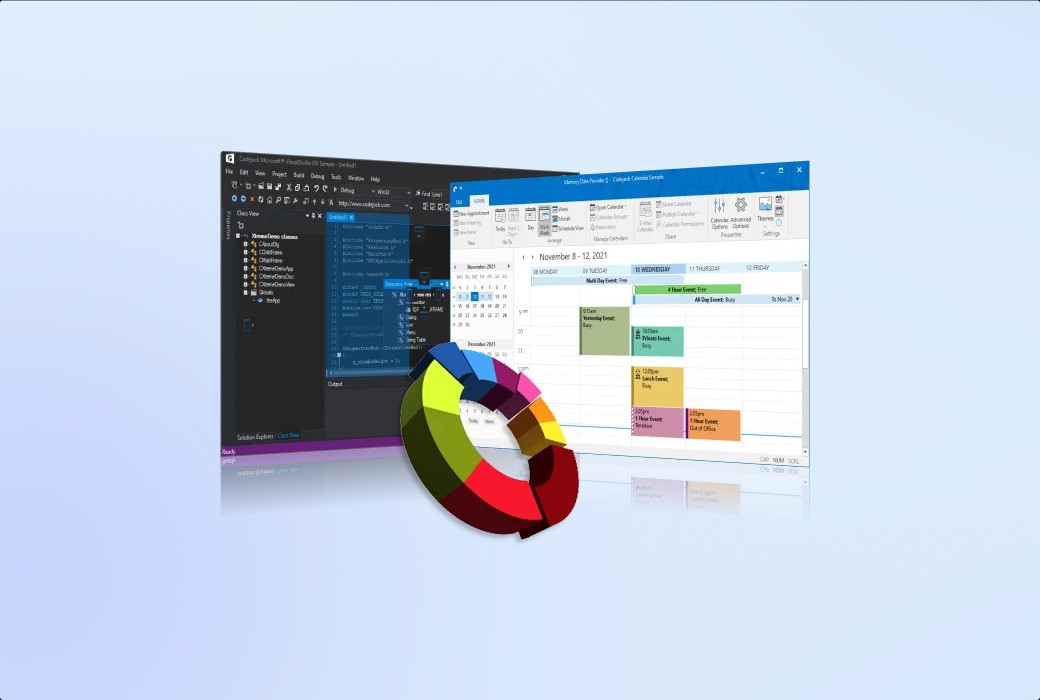
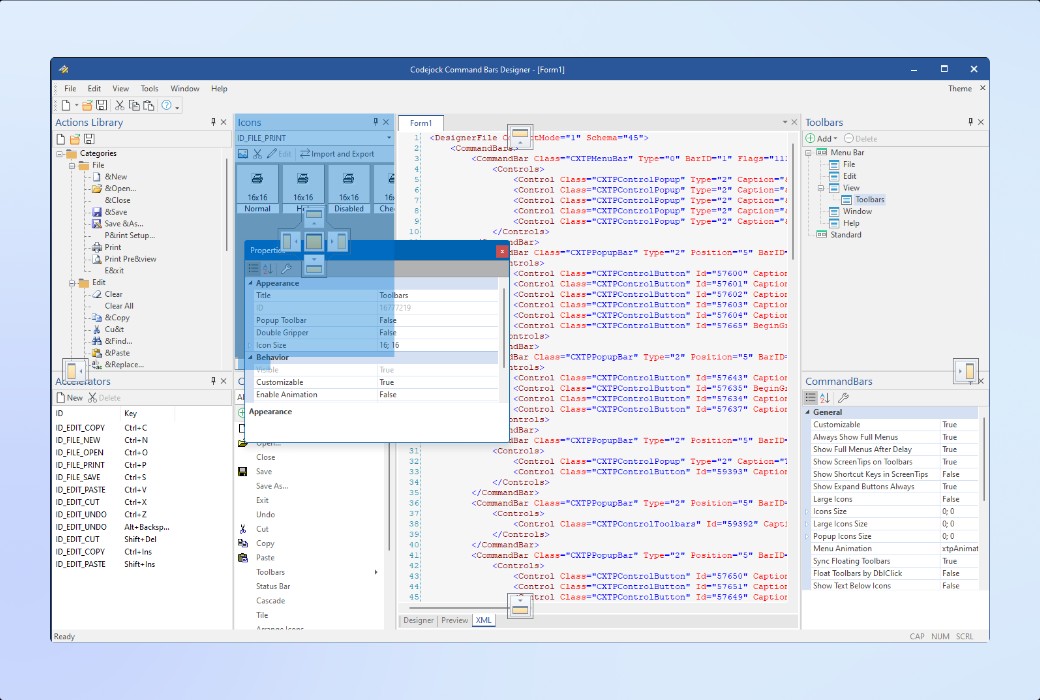
Build professional Windows desktop applications by using the complete ActiveX COM user interface component suite. These components include menu bars, docking panels, command bars, toolbars, menus, charts, calendar functions, and other advanced controls similar to Office software.
Suite Pro helps developers modernize ActiveX applications, enhance user experience, and provide a smooth and consistent user experience on all screens.
The following highlights demonstrate how each control can help improve the usability, appearance, efficiency, and consistency of the application:
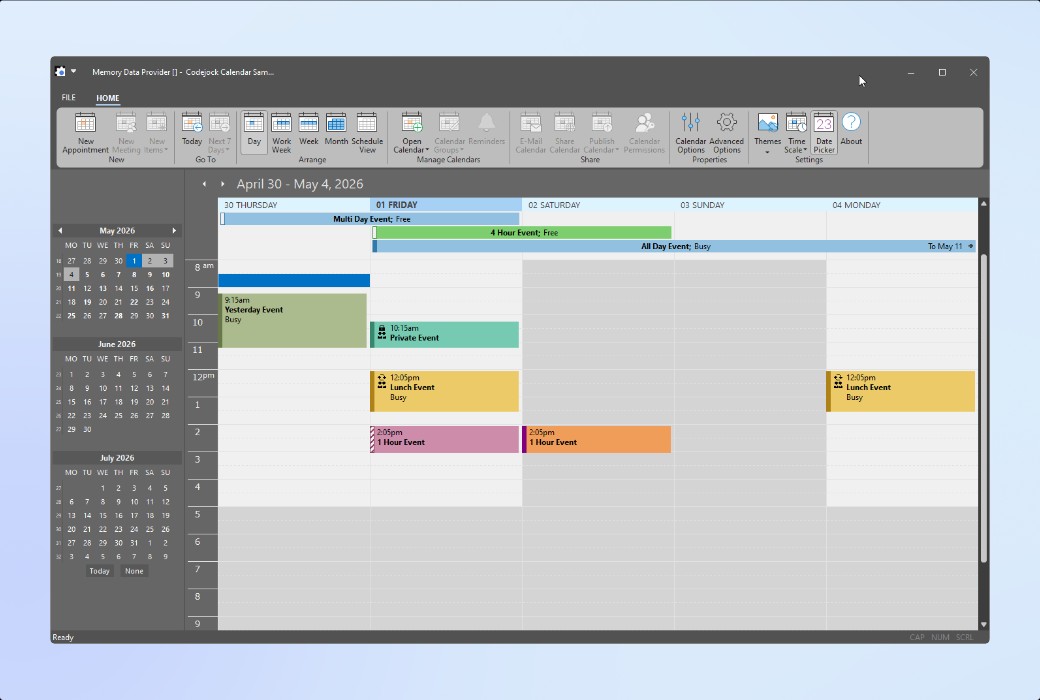
Add calendar features, date selection tools, and scheduling capabilities to your Windows applications. At the same time, the system provides flexible view design, appointment management functions, and rich customization options.
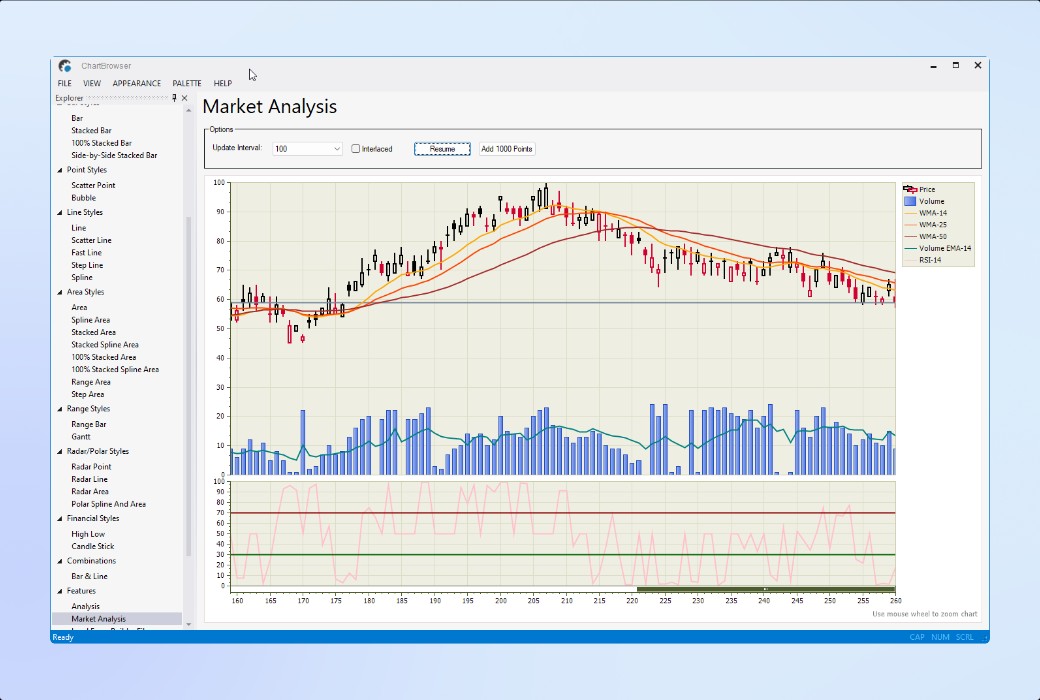
Add professional charting and data visualization features to your Windows applications. Support financial charts, 2D and 3D chart styles, composite charts, labels, legends, and interactive data display functions.
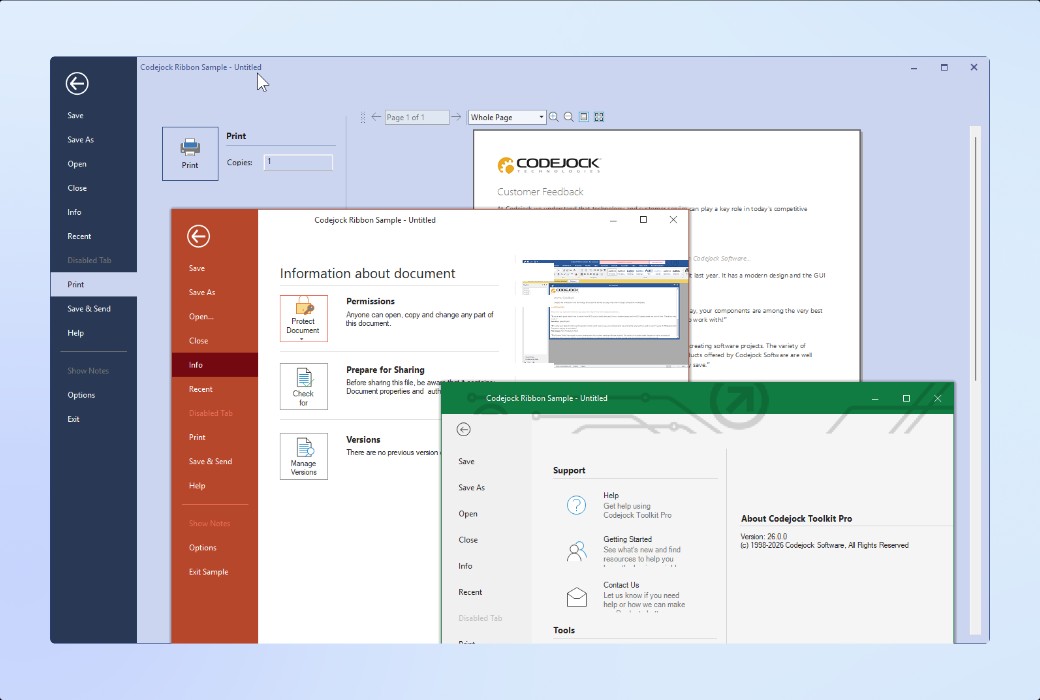
Add professional command bars, menus, toolbars, ribbon controls, pop-up galleries, background views, and command interfaces that meet theme requirements to your Windows applications.
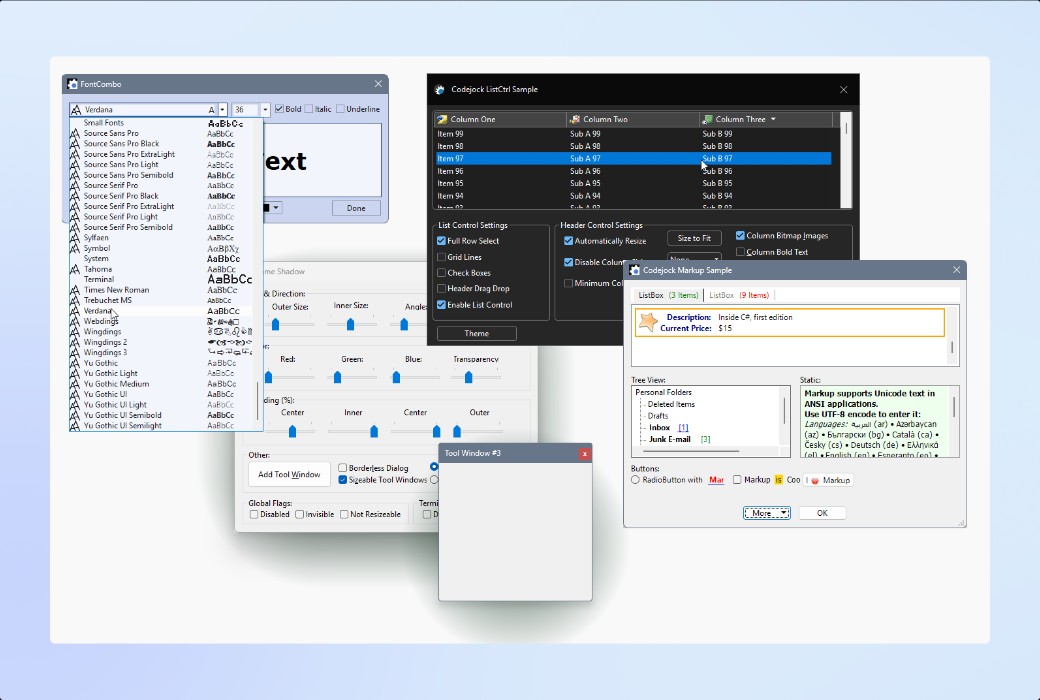
Add a series of professional Windows user interface controls, including buttons, combo boxes, dialog boxes, editing controls, label controls, list views, tree views, progress bars, scrollbars, marker controls, embedded browser views, etc., all of which can be directly used for interface design.
Build a flexible Visual Studio style application workspace that supports docked, floating, tab, and auto hide panel designs; It also supports layout customization through drag and drop, and has theme aware functionality.
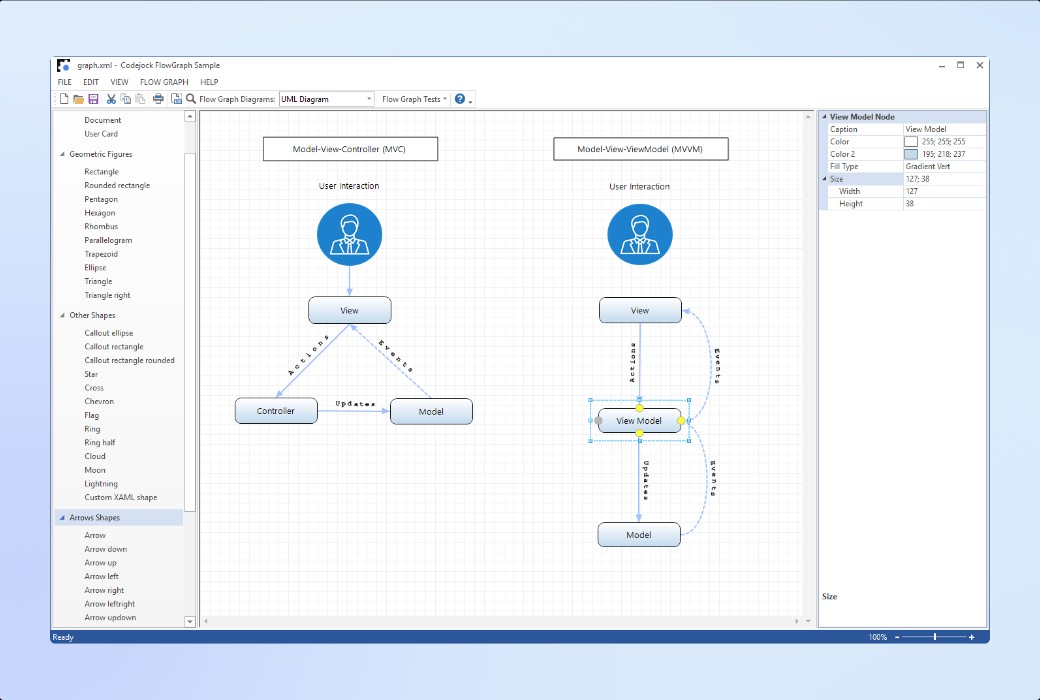
Add interactive charts and visual modeling features to your Windows applications. Through flexible flowchart control, it is easy to create workflow diagrams, process mappings, UML diagrams, database relationships, and other node based layouts.
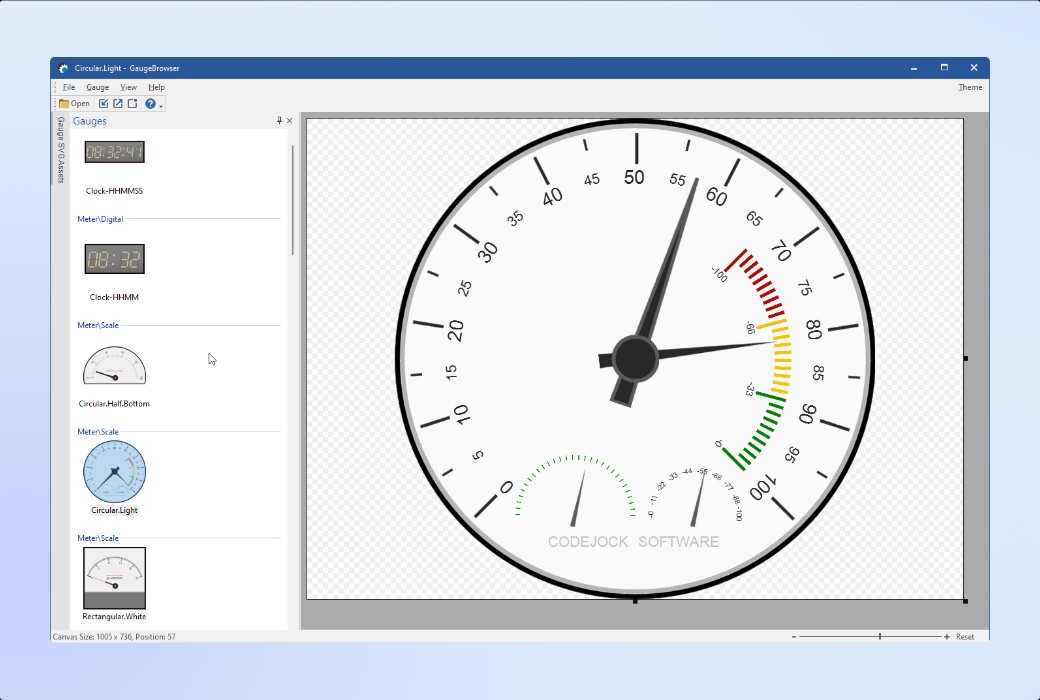
Display real-time values, status indicators, and measurement results presented in the form of a dashboard. Adopting scalable analog and digital display control methods, specifically designed for modern data visualization.
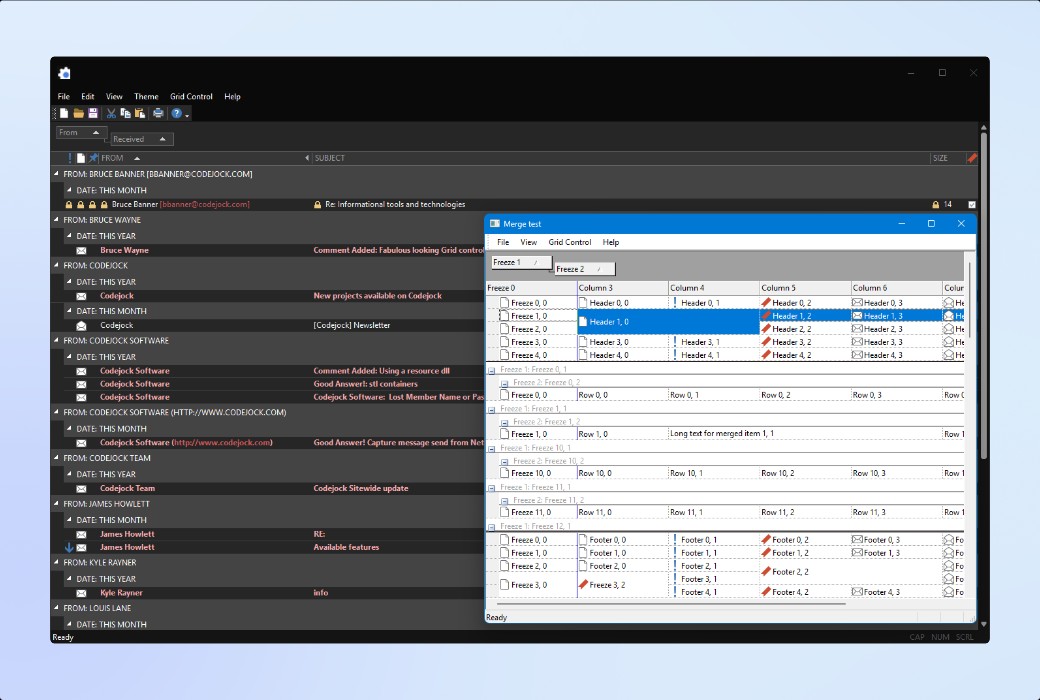
Through powerful grid and report controls, data can be presented, edited, and organized. These tools are suitable for business applications, dashboards, report style views, and user interfaces that require processing large amounts of data.
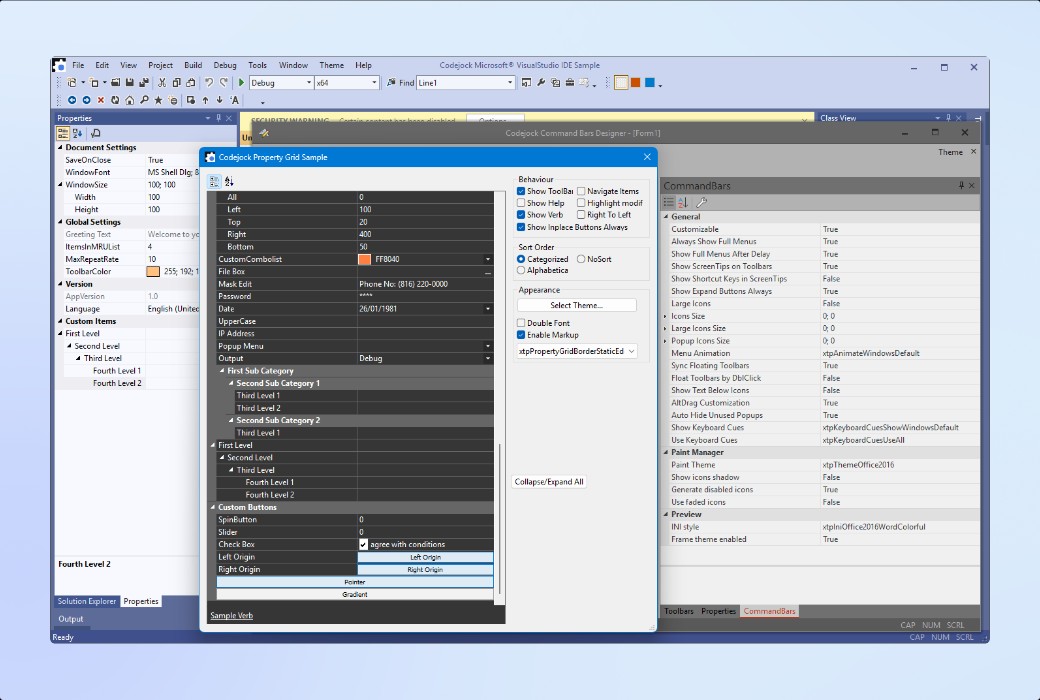
Add a Visual Studio like property grid interface to your Windows application. This interface includes a hierarchical attribute list, built-in editor, customizable appearance design, and supports multiple data types.
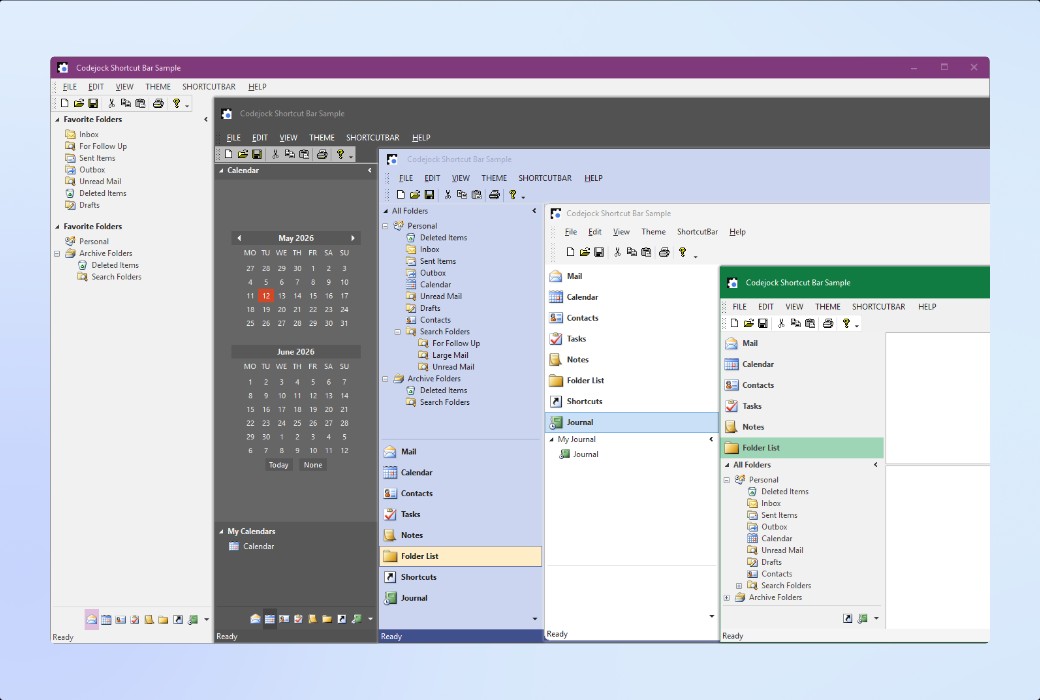
Add an intuitive navigation interface to your Windows applications, including expandable shortcut menus, toolbars with title bars, shortcut icons, and flexible client panel behavior.
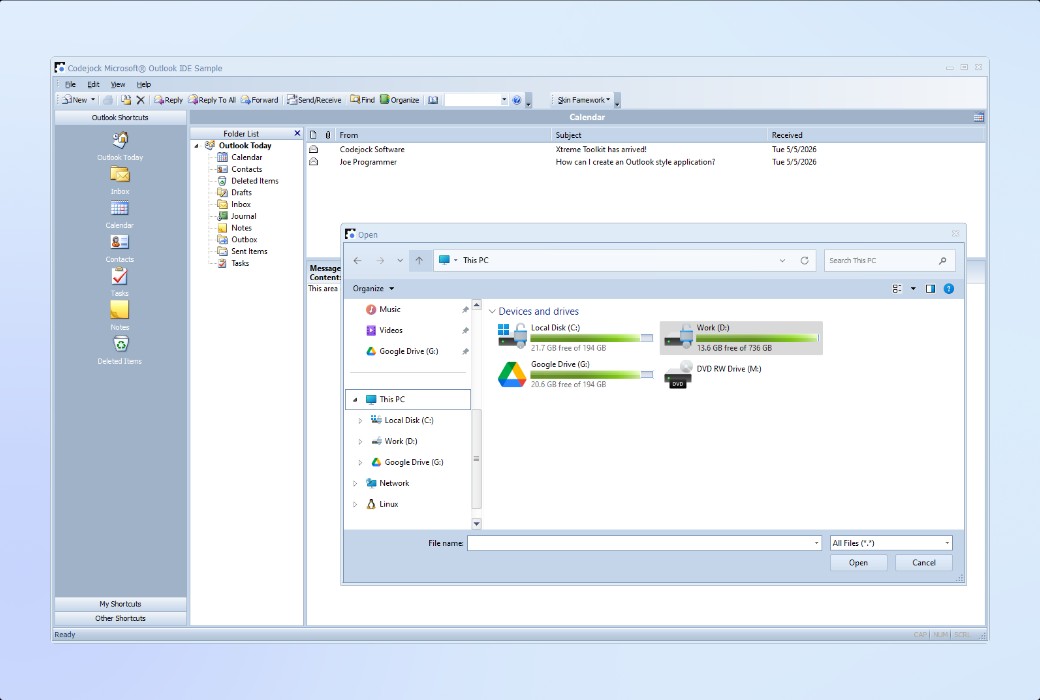
Apply professional themes and visual style settings for your Windows applications. Support built-in themes, custom themes, multi theme configurations, and ensure consistent style design between standard controls and system dialog boxes.
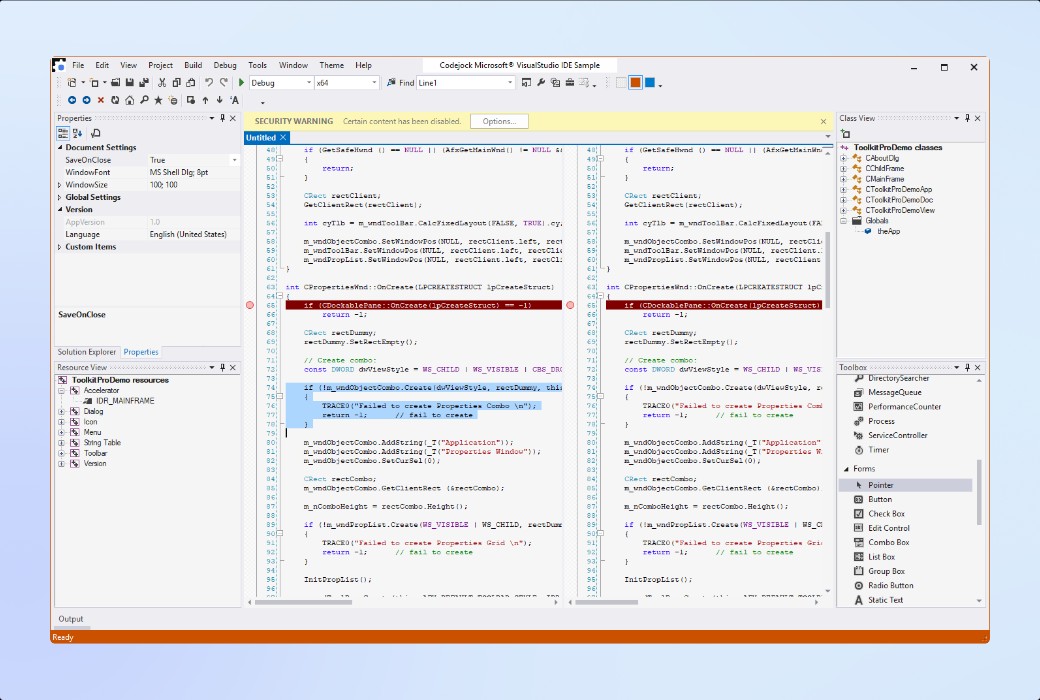
Add an advanced code editing control to your Windows application that features syntax highlighting, line number display, code folding, tagging, breakpoint settings, multi window display, and configurable syntax highlighting.
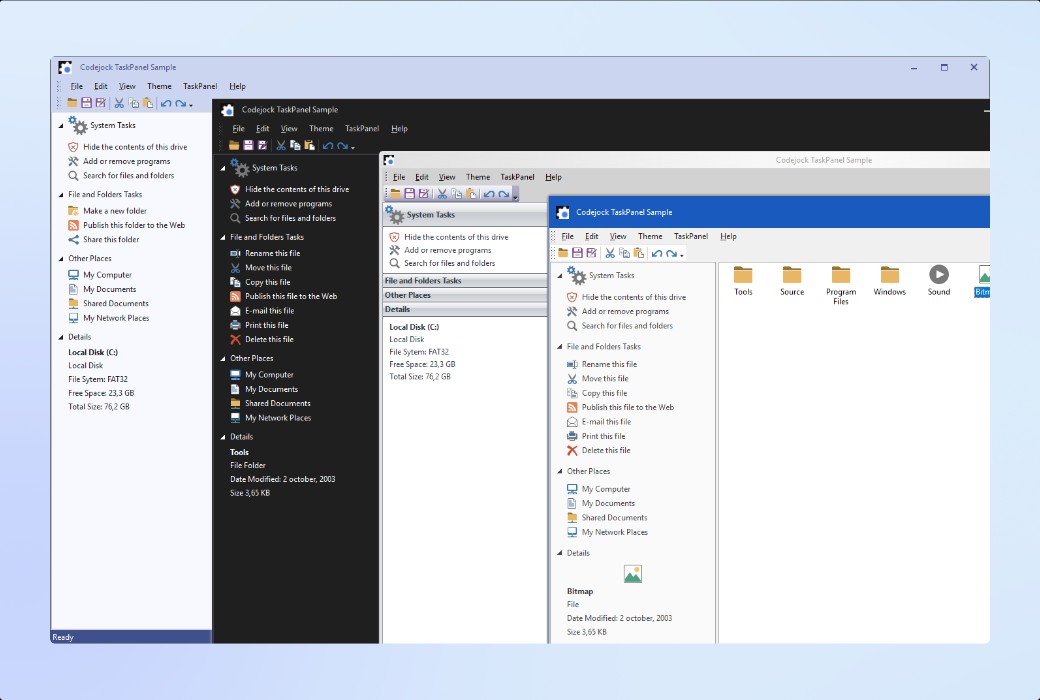
Add a flexible task panel control to your Windows application! This control has an extensible group structure, toolbox style organization, icon display, drag and drop operation function, and also supports heat tracing function, as well as navigation layout similar to Office or Explorer interface.
Supported platforms and environments
There is broad compatibility between Visual Studio, Windows Desktop, and Windows Server versions - suitable for various situations ranging from modern environments to traditional deployments.
Official website:https://codejock.com/products/suitepro/
Download Center:https://codejock-suitepro.apsgo.cn
Shipping time:Manually process shipments online
Operating Platform:Windows
Interface language:Support English interface display.
Update Description:According to the purchased authorization.
Trial before purchase:Free trial is available before purchase.
How to receive goods:After purchase, the activation information will be sent to the email address at the time of placing the order, and the corresponding product activation code can be viewed in the personal center, My Orders.
Number of devices:According to the purchased authorization.
Replace computer:Uninstall the original computer and activate the new computer.
Activation guidance:To be added.
Special note:To be added.
reference material:https://codejock.com/products/suitepro/

Any question